
You just bought Bitcoin. You feel safe because it’s in your exchange account. Then you read the news: another hack, another bankruptcy, and suddenly your $5,000 is gone because a centralized company lost its keys. Sound familiar? This is exactly why hardware wallets exist. They are physical devices that keep your cryptocurrency private keys offline, away from hackers who can’t touch what isn’t connected to the internet.
Think of a hardware wallet like a digital vault with a key you carry in your pocket. Unlike software wallets (hot wallets) that live on your phone or computer, these devices sign transactions internally. Your private keys never leave the device. According to Kaspersky research, this air-gapped approach reduces vulnerability to online attacks by 99.8%. But how do they work? Which one should you buy? And more importantly, how do you avoid losing everything if you lose the device?
What Exactly Is a Hardware Wallet?
A hardware wallet is a specialized USB-like device designed to store your private keys securely. It connects to your computer or smartphone via USB or Bluetooth, but the magic happens inside the device’s secure chip. When you want to send crypto, the transaction data goes to the wallet. The wallet signs it using your private key, and only the signed signature returns to your computer. The private key itself stays locked inside the device.
The first commercially available hardware wallet was the Trezor One, launched by SatoshiLabs in January 2014. Since then, the market has exploded. Today, devices from Ledger and Trezor protect over $120 billion in assets across 10 million active devices globally. These devices aren't just fancy USB sticks; they use military-grade encryption standards like BIP 32 and BIP 39 to manage your keys.
Why Cold Storage Beats Hot Wallets
If you keep your crypto on an exchange like Coinbase or Binance, you don’t actually own your coins. You own a claim on their database. If their servers go down, or if they get hacked, you’re at risk. A hardware wallet gives you true ownership. You hold the keys. You control the funds.
But not all cold storage is equal. Paper wallets are cheap, but they degrade over time and are hard to use for multiple cryptocurrencies. Metal backups are durable but lack the user interface for easy transactions. Hardware wallets hit the sweet spot. They offer high security (scoring 8.7/10 in recent frameworks) while remaining accessible enough for daily use. For active traders who make 1-5 transactions a month, a hardware wallet is far more practical than pulling out a metal plate every time you want to swap tokens.
Top Contenders: Ledger vs. Trezor vs. BitBox
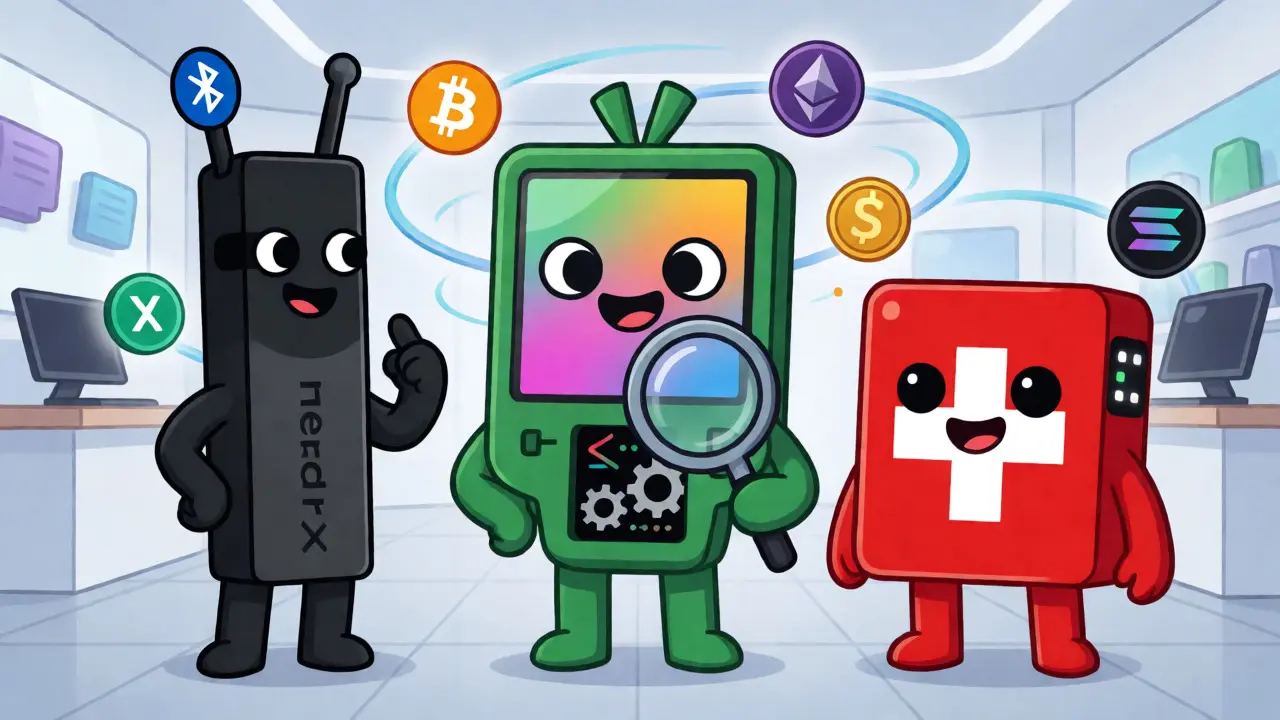
Choosing a device comes down to budget, supported coins, and whether you prefer open-source or proprietary tech. Here is how the current market leaders stack up as of late 2026:
| Feature | Ledger Nano X | Trezor Model T | BitBox02 |
|---|---|---|---|
| Price | $149 | $219 | ~$150 (CHF) |
| Connectivity | Bluetooth & USB-C | USB-C | USB-C |
| Screen | No Touchscreen | Color Touchscreen | OLED Display |
| Coin Support | 5,500+ | 1,812+ | 1,500+ |
| Firmware | Proprietary | Open Source | Open Source |
Ledger dominates the market with 58% share. Their Nano X uses Bluetooth, making it great for mobile users. However, they faced criticism after a 2020 data breach exposed customer email addresses (not private keys). Still, no private keys were ever stolen from properly used Ledgers.
Trezor appeals to privacy advocates. Its firmware is open-source, meaning anyone can audit the code. The Model T features a touchscreen, which makes verifying addresses easier and reduces phishing risks. It doesn’t have Bluetooth, though, so you’ll need a cable for most interactions.
BitBox02 is a Swiss-made alternative focusing on simplicity and security. It uses a dual-chip architecture similar to Ledger but keeps the firmware open-source. It’s less flashy but highly respected for its minimalist design and robust backup options.
Setting Up Your First Hardware Wallet
Buying the device is step one. Setting it up correctly is where most beginners mess up. Do not skip these steps:
- Buy Directly: Never buy from eBay or Amazon third-party sellers. Counterfeit devices exist. Always order from the manufacturer’s official website.
- Check the Seal: Verify the holographic sticker and packaging integrity before opening.
- Initialize Offline: Generate your recovery phrase on the device itself, not on your computer screen. Write it down on paper or metal.
- Test Recovery: Before sending any significant amount of crypto, wipe the device and restore it using your seed phrase. This proves your backup works.
It takes beginners about 22-45 minutes to set up initially. Most people watch YouTube tutorials during this process. Don’t rush. If you lose your recovery phrase, your money is gone forever. There is no "forgot password" button in crypto.
The Golden Rules of Backup and Security
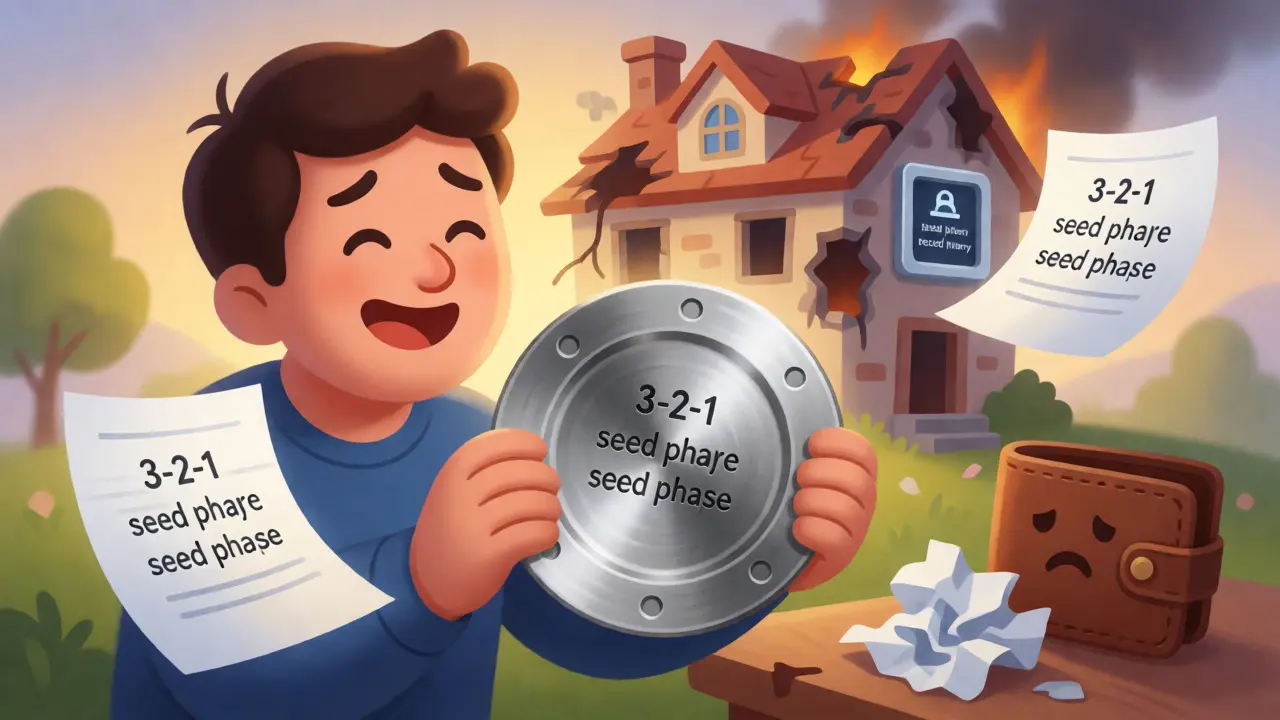
A hardware wallet is only as good as your backup. If your house burns down and your wallet was inside, you need a way to recover your funds. Experts recommend the 3-2-1 rule: keep three copies of your seed phrase, on two different media types, with one copy stored offsite.
Paper fades. Ink runs when wet. Consider a metal backup solution like Cryptotag or Billfodl. These stainless steel plates engrave your seed words and survive fire, water, and crushing weight. One Reddit user successfully recovered his funds after a house fire using only a metal backup, while another lost $8,200 because thieves stole both his wallet and his paper note stored in the same drawer.
Another pro tip: use a passphrase. This adds a 25th word to your 12 or 24-word seed phrase. Even if someone steals your metal backup, they can’t access your funds without knowing the hidden passphrase. It creates a "hidden wallet" within your main wallet.
Common Pitfalls to Avoid
Hardware wallets reduce hacking risks, but human error remains the biggest threat. Here are the top issues seen in support tickets:
- Incorrect PIN Entry: Entering the wrong PIN too many times (usually 3-10 attempts) wipes the device. If you haven’t backed up your seed, you’re locked out.
- Firmware Update Failures: Always update firmware through the official app (Ledger Live or Trezor Suite). Never interrupt the update process.
- Phishing Attacks: Malware can replace the address on your clipboard. Always verify the receiving address on the hardware wallet’s screen, not just on your computer monitor.
Remember, a hardware wallet protects against remote hacks. It does not protect you from physically stealing the device if you leave your PIN written on a sticky note attached to it.
Future Trends: Identity and Beyond
Hardware wallets are evolving beyond simple coin storage. By 2026, experts predict these devices will become universal identity tools. Imagine logging into websites, signing documents, and verifying your age using the same private key that secures your Bitcoin. Companies like Ledger are already integrating with decentralized identity systems.
However, some argue social recovery wallets might replace them. These use trusted contacts to help recover access if you lose your device. While promising, hardware wallets remain the gold standard for large holdings until quantum-resistant cryptography matures. If you hold more than $1,000 in crypto, a hardware wallet is still the safest bet.
Can I lose my crypto if my hardware wallet breaks?
No, provided you have your recovery seed phrase. The wallet is just a tool to access your keys. If the device breaks, you can buy a new one (even from a different brand) and restore your funds using the seed phrase. Just ensure you followed the 3-2-1 backup rule.
Is Bluetooth on hardware wallets safe?
Yes, generally. Devices like the Ledger Nano X use Bluetooth Low Energy (BLE) to communicate with your phone. The private keys never leave the secure element chip. The Bluetooth connection transmits encrypted transaction data, not the keys themselves. However, some purists prefer wired connections to eliminate even theoretical wireless attack vectors.
Do hardware wallets support NFTs?
Hardware wallets do not store NFT files directly. They store the private keys that control the wallet holding the NFTs. To view your NFTs, you connect your hardware wallet to a compatible marketplace or wallet interface like MetaMask or OpenSea. The security benefit remains: your keys stay offline during transactions.
What happens if I forget my PIN?
If you enter the wrong PIN repeatedly, the device will factory reset itself. This erases the private keys from the device. You must then restore the wallet using your original recovery seed phrase. If you lost both the PIN and the seed phrase, your funds are permanently inaccessible.
Are hardware wallets completely immune to hacks?
Nothing is 100% immune. While they resist remote hacking extremely well, they are vulnerable to supply chain attacks (buying a tampered device), physical theft combined with a weak PIN, or sophisticated side-channel attacks in rare cases. Always buy directly from the manufacturer and use strong PINs/passphrases to mitigate these risks.