

You take a quick snap of your coffee shop and upload it to social media. To you, it’s just a picture of a latte. To a forensic investigator is a professional who examines digital evidence to reconstruct events or verify authenticity, that same file is a treasure chest of hidden clues. They don’t just see pixels; they see exactly where you were, what device you used, and when the shutter clicked.
This hidden layer of information is called EXIF data is Exchangeable Image File Format metadata embedded in digital photos by cameras and smartphones. It stands for Exchangeable Image File Format, and it has been quietly tagging your photos since the early days of digital photography. Most people never think about it until someone points out that their location was leaked-or worse, until that data ends up in an investigation.
The Device Fingerprint: Who Took the Photo?
When an investigator opens an image file, the first thing they look for is the device identity block. This isn't just a generic label like "smartphone." The EXIF tags often reveal the specific make and model-say, an Apple iPhone 15 Pro or a Canon EOS R5. But it goes deeper than that.
Many modern devices embed a unique camera serial number directly into the metadata. This is a critical piece of evidence. If a suspect claims a photo was taken by someone else, but the serial number matches a camera registered to them, the alibi falls apart. In OSINT (Open Source Intelligence) investigations, analysts use this to link dozens of anonymous posts back to a single physical device. Even if you change your username or IP address, your camera’s serial number stays the same unless you strip the metadata.
Investigators also check for firmware versions and manufacturer-specific notes (MakerNotes). These can reveal if a phone has been rooted, jailbroken, or modified with custom software, which might suggest technical sophistication or an attempt to alter the scene.
Timeline Reconstruction: When Did It Happen?
Time is money in any investigation, and EXIF provides precise timestamps. There are usually three different time fields in a JPEG file:
- DateTimeOriginal: The exact moment the sensor captured the light.
- DateTimeDigitized: When the image was converted to digital format (usually identical to original).
- DateTimeModified: The last time the file was saved or edited.
An investigator compares these timestamps against other digital artifacts. For example, does the DateTimeOriginal match the cell tower logs showing your phone was active at that location? Does the DateTimeModified show the photo was edited hours after the event? Discrepancies here can expose tampering. If a photo supposedly proves you were at home at 8 PM, but the DateTimeModified shows it was processed on a computer at 9 AM the next day, questions arise.
Note that smartphone clocks can be set manually or drift slightly. Experienced examiners know to cross-reference EXIF times with network logs or cloud backup timestamps to ensure accuracy.
Geolocation Intel: Where Were You?
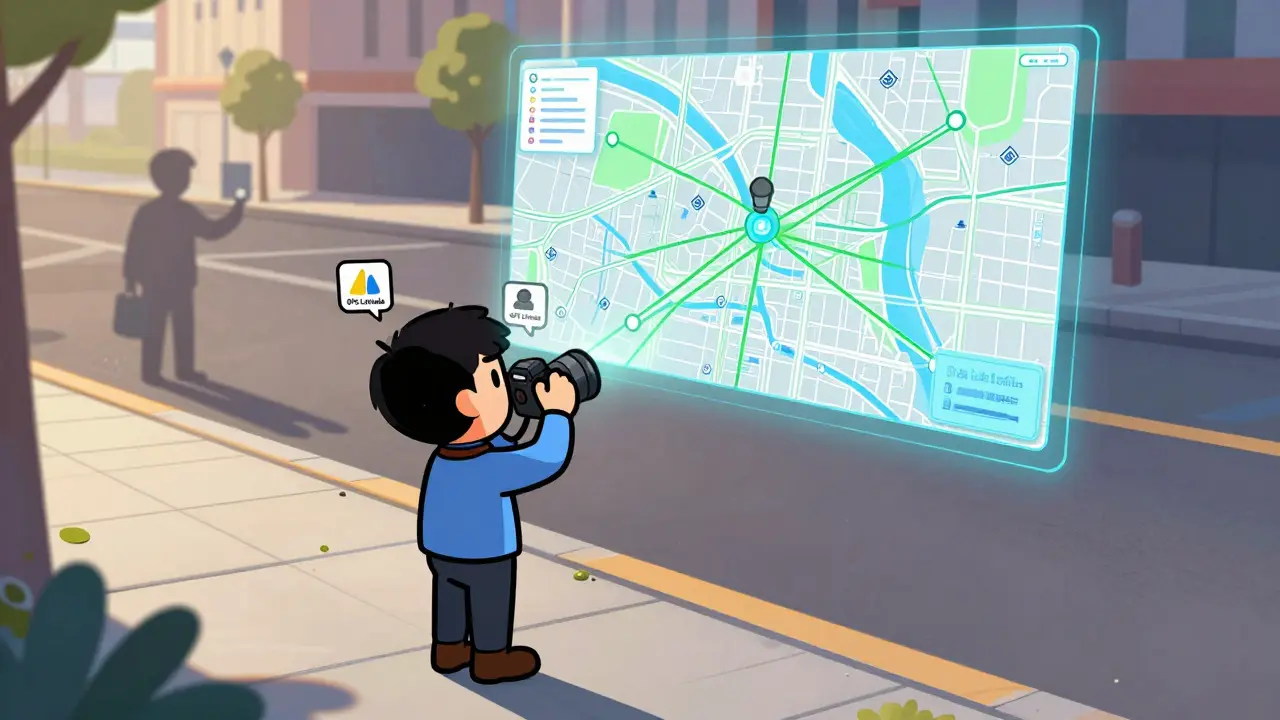
If you have location services enabled on your phone, your photos likely contain GPS coordinates. Specifically, the EXIF tags GPSLatitude and GPSLongitude pinpoint your position down to a few meters. Some files even include GPSAltitude, telling investigators whether you were on a ground floor or a balcony.
In criminal cases, this data places suspects at crime scenes or verifies alibis. In civil disputes, like insurance claims, it confirms that damage photos were taken at the insured property. For journalists protecting sources, accidentally publishing a photo with GPS data can reveal the source’s home address-a catastrophic privacy breach.
Investigators plug these coordinates into mapping tools to visualize movement patterns. A series of photos taken over a week can map out a suspect’s daily routine, revealing hidden locations or contacts. This is why turning off geotagging is a standard recommendation for anyone concerned about digital privacy.
Camera Settings: How Was It Captured?
Beyond who, when, and where, EXIF reveals how the photo was taken. Tags for aperture, shutter speed, ISO, and focal length tell a story about the environment.
For instance, a high ISO and slow shutter speed suggest low-light conditions. If a witness claims they saw a clear face under bright streetlights, but the EXIF shows a dark, grainy shot taken at night, the testimony loses credibility. Flash usage tags can indicate if artificial light was used, which might contradict descriptions of natural lighting.
These settings also help identify automated behaviors. Burst mode shots will have nearly identical settings and sequential filenames. Recognizing these patterns helps investigators distinguish between candid moments and staged setups.
Software Traces: Has It Been Edited?
One of the most vital fields for authenticity checks is the Software tag. It records the application used to create or last save the file. If a photo is presented as raw evidence from a security camera, but the Software tag says "Adobe Photoshop" or "Snapseed," its integrity is immediately questioned.
Social media platforms often overwrite this tag with their own app names (e.g., "Instagram"), which strips away the original capture info. However, if you download a photo from Instagram, the new metadata reflects the edit, not the original shoot. Investigators trace this chain to determine if an image has been manipulated, cropped, or filtered to hide details.

Tools of the Trade: How Experts Extract Data
Professional investigators don’t guess; they use specialized software. Common tools include:
- ExifTool: A command-line utility considered the gold standard for reading and writing metadata. It handles almost every format and tag type.
- EnCase & FTK: Comprehensive forensic suites used in law enforcement to analyze entire drives, including hidden metadata.
- Autopsy: An open-source platform popular for training and smaller agencies.
For regular users who want to check their own photos without installing complex software, browser-based solutions have become popular. Tools like Vaulternal's Metadata Remover allow you to inspect and clean images directly in your browser. Since the processing happens locally using WebAssembly, your photos never leave your device, ensuring privacy while you review what’s hidden inside.
Limitations and Anti-Forensics
EXIF is powerful, but it’s not infallible. Savvy users know how to strip metadata before sharing. Many messaging apps (like WhatsApp) and social networks automatically remove EXIF data to save space and protect privacy. If you send a photo via WhatsApp, the recipient gets a compressed version with no GPS or serial number.
However, this doesn’t mean the data is gone forever. If the original file exists on your phone, cloud backup, or computer, investigators can still access it. Additionally, some formats like PNG and GIF do not support standard EXIF tags, forcing analysts to rely on other techniques like Error Level Analysis (ELA) to detect edits.
Metadata removal tools vary in effectiveness. Some online services upload your image to a server for processing, creating a risk of data leakage. Others run entirely client-side. When choosing a tool, look for one that guarantees no-upload processing. For example, Metadata Remover is a free browser-based tool that strips hidden metadata from images entirely on the user's device processes files locally, meaning you can verify in your browser’s network tab that nothing is sent to the cloud.
Protecting Your Privacy
You don’t need to be a spy to care about EXIF. Real estate agents, photographers, and everyday users all benefit from cleaning their images before publishing. Here’s how to stay safe:
- Disable Geotagging: Turn off location services for your camera app in your phone settings.
- Strip Before Sharing: Use a reliable metadata remover to scrub EXIF data before uploading to public forums or email attachments.
- Check Your Cloud Backups: Remember that iCloud or Google Photos may retain the original metadata even if you share a stripped version.
- Use Screenshots: Taking a screenshot of an image often removes the original EXIF data, though it reduces quality.
Understanding what investigators see helps you control your digital footprint. Whether you’re protecting a source, verifying a claim, or just keeping your weekend trip private, knowing how to read and remove EXIF data is an essential skill in the modern digital landscape.
Can investigators see deleted photos through EXIF?
No, EXIF data only exists within the image file itself. If a photo is permanently deleted from all devices and clouds, there is no file to extract EXIF from. However, if a copy remains in a recycle bin, cloud backup, or cache, investigators can recover the file and its associated metadata.
Does sending a photo via WhatsApp remove EXIF data?
Yes, WhatsApp compresses images and strips most EXIF metadata, including GPS coordinates and camera serial numbers, to save bandwidth and protect privacy. However, the original file on your phone retains the full metadata unless you explicitly delete or clean it.
How accurate is the GPS data in EXIF?
GPS data in EXIF is typically accurate to within a few meters, depending on the strength of the satellite signal when the photo was taken. Indoor shots may have less precise coordinates or none at all if GPS couldn’t lock on.
Can I edit EXIF data to fake my location?
Technically, yes, you can modify EXIF tags using advanced tools. However, forensic investigators look for inconsistencies between the edited metadata and other evidence, such as lighting conditions, shadows, and background landmarks. Tampering with metadata can raise suspicions and may be detected through detailed analysis.
What is the difference between EXIF, IPTC, and XMP?
EXIF primarily stores technical camera data (settings, GPS, time). IPTC is used for copyright and descriptive text (author, keywords). XMP is a flexible XML-based format that can store both technical and descriptive data. All three can coexist in a single image file, and comprehensive forensic tools analyze all of them.