

Remember when you could buy a graphics card, plug it into your PC, and watch passive income roll in? Those days are gone. In 2026, GPU mining is no longer a get-rich-quick scheme. It is a niche technical operation that demands precision, cheap power, and the right hardware. If you are looking to mine Bitcoin or Ethereum with a GPU, stop right now. You will lose money. But if you want to mine specific altcoins like Ergo or Ravencoin using modern NVIDIA or AMD cards, there is still a path to profit-provided your electricity bill stays low.
This guide cuts through the hype. We will look at the hard numbers from late 2025 and early 2026, show you exactly which GPUs still make sense, and walk you through the physical setup required to keep your rig running without melting down. Let’s get straight to the facts.
The Hard Truth About GPU Mining in 2026
The landscape changed drastically after Ethereum’s transition to proof-of-stake in 2022. That event killed the biggest market for GPU miners. Today, GPU mining survives only in algorithms designed to resist ASICs (Application-Specific Integrated Circuits). These include KawPow, Autolykos, and Cuckatoo32. According to data from WhatToMine in October 2025, the total GPU mining market shrank to $1.2 billion, down from $4.7 billion in 2021. There are roughly 287,000 active GPU miners worldwide, and 68% of them focus on just three coins: Ergo, Ravencoin, and Flux.
Profitability is razor-thin. Dr. Alex de Vries, founder of Digiconomist, noted in September 2025 that viable GPU mining coins dropped from over 50 in 2021 to just 12-15 today. Nicholas D'Ambrosino, CEO of Core Scientific, set a clear bar: GPUs must generate at least $0.40 per day for every $100 invested in hardware to justify running them. Only 30% of current rigs meet this threshold. The primary killer is electricity. If your rate exceeds $0.10/kWh, you are likely operating at a loss. Miners in Iceland, paying around $0.05/kWh, see profits 3.2 times higher than those in California, where rates hit $0.29/kWh.
Choosing the Right Hardware: NVIDIA vs. AMD
Not all GPUs are created equal for mining. You need to match the card to the algorithm. NVIDIA generally dominates on KawPow (used by Ravencoin), while AMD often leads in efficiency on Autolykos (used by Ergo). Here is how the top performers stack up based on October 2025 benchmarks:
| GPU Model | Algorithm Strength | Hashrate / Efficiency | Power Draw | Daily Profit ($0.10/kWh) |
|---|---|---|---|---|
| NVIDIA RTX 5090 | KawPow | 85.00 MH/s | 360W | $1.00 |
| AMD RX 7900 XTX | Autolykos | 0.48 $/kWh revenue | ~300W | $0.95 |
| NVIDIA RTX 4090 | KawPow | 0.42 $/kWh revenue | 300W+ | $0.50 |
| NVIDIA RTX 4060 Ti | Cuckatoo32 | High value ratio | 100-150W | $0.06 |
| NVIDIA RTX 3070 | Cuckatoo32 | 0.70 H/s | 180W | -$0.02 (Loss) |
Notice the RTX 3070? It loses money at standard electricity rates. This shows why older cards are risky investments unless you have free power. The RTX 5090, released in January 2025, is the current king for raw hashpower, but its high cost means a long payback period. The RTX 4060 Ti offers the best balance of low upfront cost ($329.99) and reasonable efficiency, making it a favorite for budget-conscious miners who can afford to scale out with many units rather than buying one expensive card.
Building Your Rig: Technical Requirements
Setting up a multi-GPU rig is not as simple as plugging cards into a gaming PC. You need a specialized build to handle heat and power distribution. Here is what you need to know before you buy parts.
Power Supply and Cooling
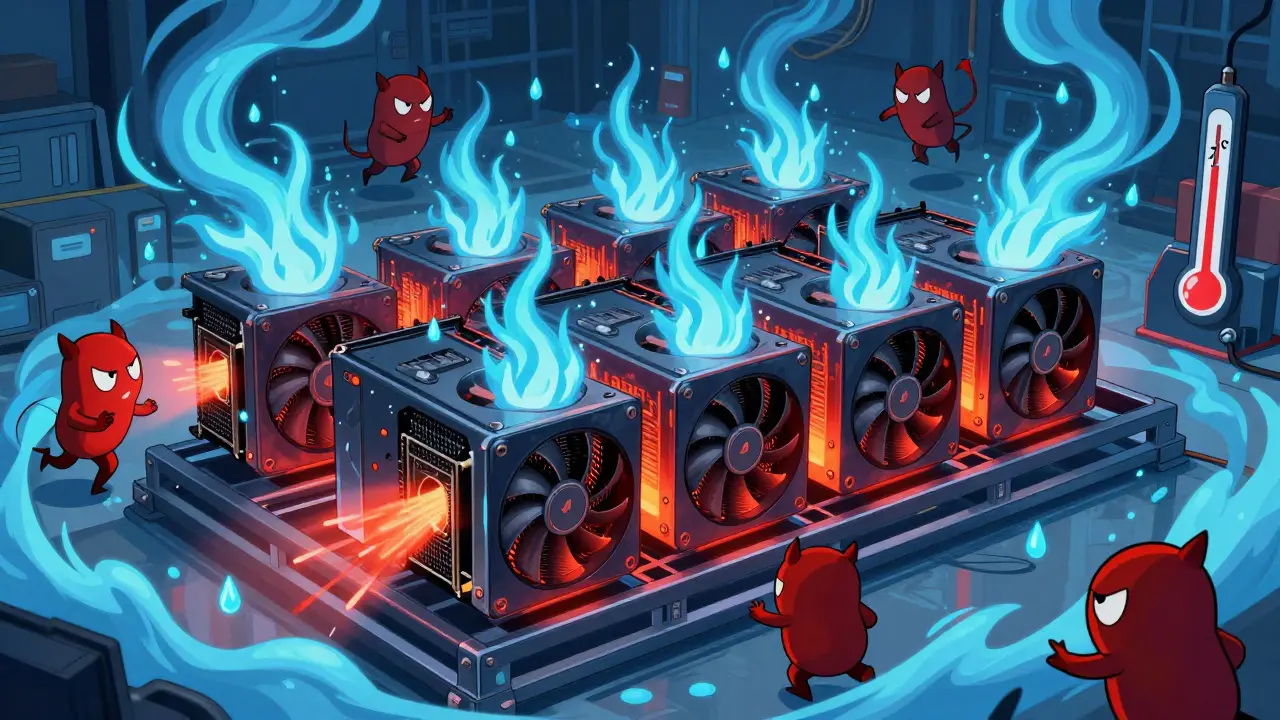
Electricity accounts for 65-85% of your operational costs. Your power supply unit (PSU) must be efficient. For a 6-GPU rig, you typically need a minimum of 500W per GPU in capacity planning, though actual draw varies. Use 80 Plus Gold or Platinum rated PSUs to minimize waste. Heat is your enemy. Hashrate.no recommends keeping GPU temperatures between 60-70°C for sustained performance. Above that, cards throttle down, reducing your earnings. You will need open-air frames, not closed cases, and possibly external fans or air conditioning for the room.
Motherboard and PCIe Lanes
Standard consumer motherboards do not support six or eight GPUs directly. You will need PCIe risers to connect additional cards. Ensure your motherboard has enough PCIe lanes to avoid bottlenecking. Some users modify their BIOS to adjust memory timings for better stability during 24/7 operation. This requires technical skill; a crash in the middle of a mining session can result in lost rewards.
Software Stack
You cannot run Windows efficiently for mining. Most serious miners use Linux-based operating systems like HiveOS or Minerstat. HiveOS scored 4.6/5 for user guides in October 2025, making it a top choice for beginners. These OS platforms handle driver updates, monitor temperatures, and auto-switch algorithms if profitability shifts. They also provide remote monitoring via web dashboards, so you don’t need a monitor attached to the rig itself.
Calculating Your Real Profit
Don’t trust generic calculators. Use real-time data from sources like WhatToMine or NiceHash. Input your exact GPU model, local electricity cost, and internet speed. Remember to factor in pool fees. NiceHash charges 1-3% in pool fees, which can eat into margins. Additionally, consider hardware depreciation. GPUs wear out faster under constant load. Fans fail, capacitors degrade, and resale value drops.
A rule of thumb from CryptoCompare’s October 2025 analysis: compare the cost-to-profit ratio. The RTX 4060 Ti had a 3,198x ratio, while the RTX 4090 sat at 5,499x. Lower is better. This means the cheaper card pays back its cost much faster relative to its daily output, even if the absolute dollar amount is lower.

Alternative Uses: AI and DePIN
If mining profits drop below your electricity cost, don’t just turn off the rig. The industry is shifting toward dual-purpose usage. Companies like Core Scientific are repurposing GPU clusters for AI training during low-crypto periods. This increases utilization rates to 78%. For individual miners, platforms like Render Network allow you to rent out your GPU power for rendering tasks. This falls under the emerging DePIN (Decentralized Physical Infrastructure Networks) trend, where hardware earns tokens by providing real-world compute services. This hybrid approach can stabilize income when coin prices fluctuate.
Regulatory and Environmental Considerations
Be aware of local laws. As of October 2025, 19 U.S. states have implemented cryptocurrency mining taxes. Washington state added a $0.0001/kWh surcharge, which reduces profit margins by 10-15% for marginal operations. Always check your local regulations before scaling up. Environmentally, GPU mining contributes about 0.15% of global electricity consumption, according to Cambridge University’s Centre for Alternative Finance. While small, the carbon footprint matters. Using renewable energy sources can improve your ethical standing and potentially qualify for green energy incentives in some regions.
Is GPU mining profitable in 2026?
It depends entirely on your electricity cost. If you pay less than $0.10/kWh, yes, it can be profitable for specific altcoins like Ergo and Ravencoin. If your rate is higher, you will likely lose money. Modern GPUs like the RTX 5090 or RX 7900 XTX offer the best efficiency, but payback periods are long.
Can I mine Bitcoin with a GPU?
No. Bitcoin uses the SHA-256 algorithm, which is dominated by ASIC miners. GPUs are millions of times less efficient for Bitcoin mining. Attempting to mine Bitcoin with a GPU will result in zero profit and wasted electricity.
What is the best GPU for mining in 2026?
For raw power, the NVIDIA RTX 5090 is currently the top performer on KawPow. For efficiency and value, the AMD RX 7900 XTX excels on Autolykos. For budget setups, the NVIDIA RTX 4060 Ti offers the best cost-to-profit ratio.
How much does it cost to build a mining rig?
A basic 6-GPU rig can range from $2,000 to $10,000+ depending on the cards used. You need GPUs, a motherboard with PCIe slots, risers, a high-wattage PSU, RAM, storage, and cooling solutions. Software like HiveOS may have monthly subscription fees.
Should I switch to AI rendering instead of mining?
If crypto profits are low, yes. Platforms like Render Network allow you to earn by renting GPU power for rendering tasks. This hybrid model stabilizes income and utilizes hardware during downtime, increasing overall ROI compared to pure mining.


Caique Muniz
lol another guide telling us to stop mining btc with gpus like we didnt already know that in 2019. thanks for the update though i guess.